

7 Mistakes You're Making With Your Webinar Sales Platform (And How to Fix Them)
- Rick Amico
- Jan 23
- 5 min read
If you're using a webinar sales platform to grow your business, you've likely experienced the frustration of hosting a presentation that generates plenty of attendees but very few conversions. Many businesses default to familiar tools like Zoom for their webinars, only to discover that platforms built for meetings aren't optimized for selling. Zoom excels at video conferencing and team collaboration, but its passive presentation format and lack of direct conversion tools create a gap between engagement and action.
The reality is that a standard meeting platform and a webinar designed for selling are fundamentally different. Meetings facilitate discussion. Sales webinars guide prospects through a journey that ends with a purchase decision. When you use the wrong tool, or misuse the right one, you leave revenue on the table.
This article breaks down seven common mistakes businesses make with their webinar sales platform and offers actionable solutions to fix them.
Mistake #1: Choosing a Platform Built for Meetings, Not Sales
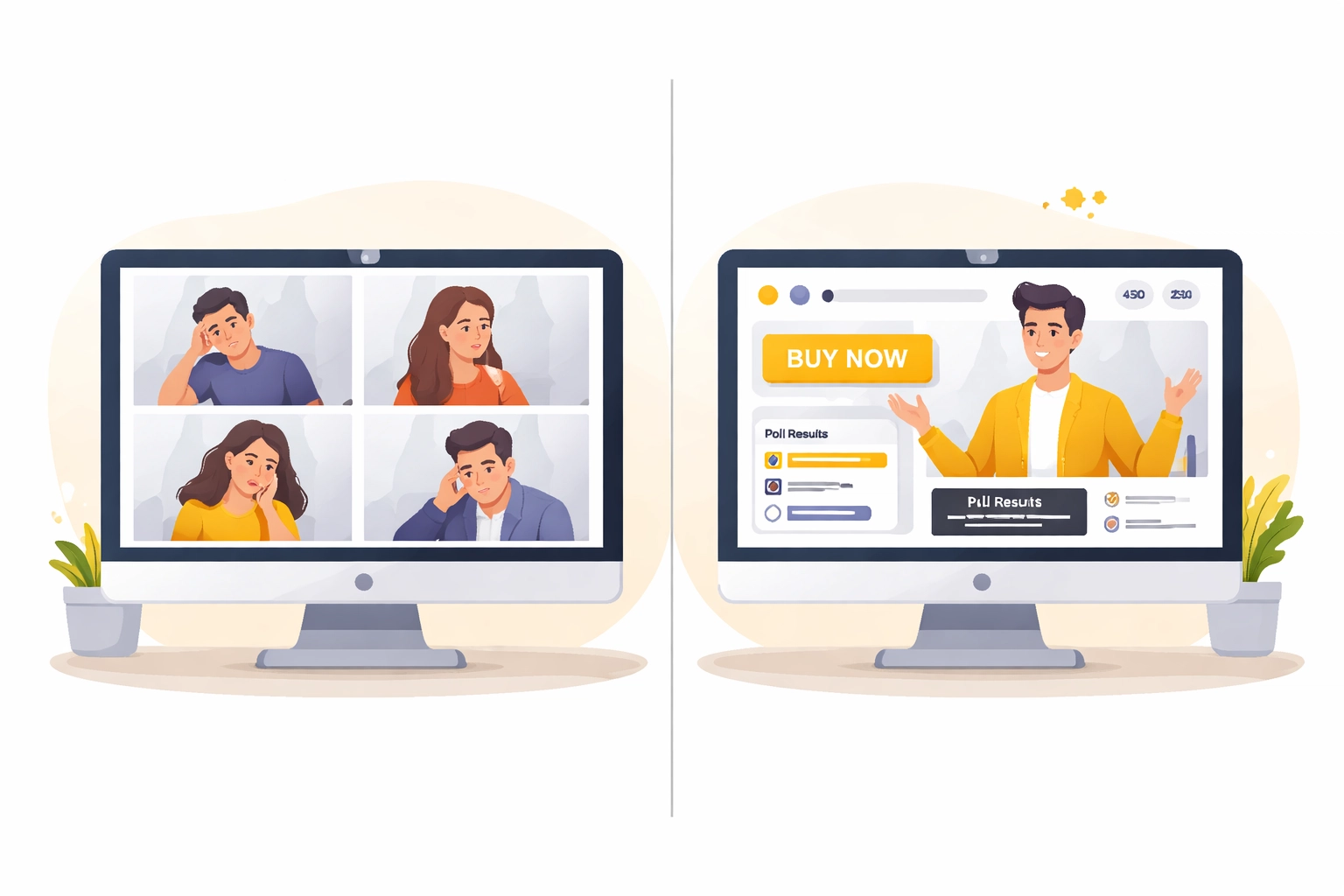
The most fundamental mistake is selecting a webinar platform based on familiarity rather than functionality. Zoom and similar web conferencing tools were designed to connect teams, facilitate discussions, and share screens. They weren't engineered to convert viewers into buyers.
A true webinar sales platform includes features specifically designed for conversion: embedded purchase links, real-time offer displays, integrated payment processing, and engagement tools that keep prospects attentive through your pitch.
How to fix it: Audit your current platform's capabilities. Does it allow you to present offers seamlessly? Can attendees purchase without leaving the webinar? If not, it may be time to explore interactive webinar platforms built for selling, such as Pxch, which prioritize conversion over conversation.
Mistake #2: Using Weak or Missing Calls-to-Action
A webinar without a clear call-to-action is like a sales presentation without an ask. Yet many presenters either bury their CTA at the very end, make it vague, or skip it entirely, hoping the content alone will inspire action.
Strong CTAs guide your audience toward the next step, whether that's purchasing a product, booking a consultation, or signing up for a service. Without them, even the most engaged attendees leave without converting.
How to fix it: Plan multiple CTAs throughout your webinar, not just at the conclusion. Use your webinar sales platform's interactive features to display clickable buttons, countdown timers, or limited-time offers. Make the action step unmistakable and urgent.
Mistake #3: Treating Every Attendee the Same
Not all webinar attendees arrive with the same level of interest or readiness to buy. Some are brand-new to your business, while others have been following you for months. When you treat everyone identically, you miss opportunities to personalize your approach and maximize conversions.
Segmentation allows you to tailor your content, offers, and follow-up sequences based on where each attendee sits in your sales funnel.
How to fix it: Choose a webinar sales platform that integrates with your CRM and allows you to tag or segment attendees based on their behavior during the presentation. Did they click on your offer link? Did they stay until the end? Use this data to customize your post-webinar outreach.

Mistake #4: Sending Cold Leads Directly to Your Sales Team
Webinars generate leads, but not all leads are created equal. A common mistake is funneling every registrant directly to your sales team without qualifying them first. This wastes your team's time and can result in pushy follow-ups that damage your brand.
The solution is to distinguish between cold, warm, and hot leads before passing them along.
How to fix it: Work with your sales team to define what qualifies a lead as ready for outreach. Use your webinar platform's analytics to identify high-intent actions: offer clicks, questions asked, time spent watching. Integrate your platform with tools like Salesforce or HubSpot to share lead information in near real-time, ensuring your team focuses on prospects most likely to convert.
Mistake #5: Neglecting Technical Preparation and Rehearsal
Nothing undermines a sales webinar faster than technical problems. Poor audio quality, frozen video, or a failed screen share destroys credibility and causes attendees to drop off. Worse, if you're presenting a purchase link and it appears at the wrong time, or not at all, you lose the sale entirely.
How to fix it: Test your webinar sales platform thoroughly before every presentation. Check your internet connection, audio levels, and video quality. If you're using multiple presenters, rehearse handoffs and timing. Run through the entire presentation at least once to ensure your offer links, payment integrations, and interactive elements function correctly.
Zoom vs. Interactive Webinar Sales Platforms: A Comparison
Understanding the difference between standard video conferencing and purpose-built webinar sales platforms can help you make a more informed decision.
Feature | Zoom (Standard Webinar) | Interactive Webinar Sales Platforms |
Primary Purpose | Meetings and presentations | Selling and conversion |
Embedded Purchase Links | No | Yes |
Real-Time Offer Display | Limited | Built-in |
Integrated Payment Processing | No | Yes |
Engagement Tools (Polls, Q&A) | Basic | Advanced and conversion-focused |
CRM Integration | Requires third-party tools | Native or seamless integration |
Audience Segmentation | Manual | Automated based on behavior |
Analytics for Sales | Basic attendance data | Conversion tracking and lead scoring |
As this comparison illustrates, Zoom serves a valuable purpose for team meetings and general presentations. However, when your goal is to sell: whether products, services, or consultations: a platform designed for that specific outcome delivers better results.

Mistake #6: Overrunning Your Scheduled Time
Respecting your audience's time is a cornerstone of professionalism. When webinars drag on past their scheduled end time, attendees disengage, leave early, or develop a negative perception of your brand. This is especially damaging during a sales webinar, where the final minutes often contain your most important offer.
How to fix it: Structure your webinar with strict time blocks. Allocate specific segments for content delivery, engagement activities, and your sales pitch. Practice delivering your presentation within the allotted time. If you consistently run over, consider trimming content or breaking your webinar into a series.
Mistake #7: Failing to Leverage Your Platform for Team-Based Selling
For sales leaders, consultants, and teams that rely on presentations to drive revenue, a webinar sales platform isn't just a tool: it's a client-facing platform that can be deployed across your entire organization. Many businesses fail to leverage this potential, using their platform in isolation rather than empowering their teams.
Modern interactive webinar platforms allow you to create templated presentations, track performance across team members, and build leverage through automation. This is particularly valuable for businesses with distributed sales teams or those offering webinar software as part of their service.
How to fix it: Evaluate whether your current platform supports team-based selling. Can you duplicate successful webinar templates for team members? Does it provide analytics at both the individual and organizational level? Platforms like Pxch are designed with these use cases in mind, enabling businesses to scale their webinar strategy without sacrificing consistency or quality.
Choosing the Right Webinar Sales Platform for Your Business
Avoiding these seven mistakes starts with selecting a platform that aligns with your goals. If your objective is to sell: whether to prospects, clients, or through a distributed team: you need tools built for conversion, not just communication.
When evaluating options, consider:
Conversion features: Does the platform support embedded offers, real-time purchasing, and integrated payments?
Engagement tools: Are polls, Q&A, and interactive elements designed to keep prospects attentive and moving toward action?
Analytics: Can you track not just attendance, but clicks, conversions, and lead quality?
Scalability: Does the platform support team-based selling and automation?
Taking time to assess these factors will help you avoid the costly mistake of building your sales strategy on a platform that wasn't designed for selling.
Final Thoughts
A webinar sales platform is only as effective as the strategy behind it. By addressing these seven common mistakes: from choosing the wrong tool to neglecting technical preparation: you position your business to convert more attendees into customers.
If you're evaluating Zoom alternatives for selling or engagement, it may be worth exploring interactive webinar platforms designed for conversion. Learn more about how Pxch can support your webinar sales strategy.
Comments