

Best Webinar Platforms for Conversion: How to Integrate Shoppable Video With Your Online Store (The Easy Guide)
- Rick Amico
- Feb 27
- 6 min read
If you’ve ever tried to sell a physical product during a standard video call, you know the frustration of typing links into a chat box while trying to maintain eye contact. While Zoom is the household name for standard meetings, it lacks the native infrastructure to turn viewers into customers instantly. To truly scale your brand in 2026, you need to implement shoppable video strategies using a dedicated live shopping platform. By bridging the gap between a professional presentation and a digital checkout page, you remove the friction that kills most online sales before they even happen.
Integrating shoppable elements into your store isn't just a trend; it's a fundamental shift in how we engage with customers. In this guide, we’ll break down exactly how to move beyond static video calls and implement a high-converting system that works for solo entrepreneurs and large sales teams alike.
Why Traditional Video Tools Fall Short for Sales
When we look at the landscape of online communication, most tools were built for one thing: talking. Whether it's a team huddle or a discovery call, platforms like Zoom or Google Meet are designed for the exchange of information, not the exchange of currency.
For a business owner or a sales leader, this creates a "bounce" problem. You show a product on camera, tell the audience to "click the link in the bio" or "check their email," and hope they follow through. Every extra step you give a customer is an opportunity for them to get distracted and leave.
A true shoppable video experience eliminates these steps. Instead of leaving the video to go to your store, the store comes to the video. This is why many high-growth companies are looking for a zoom alternative that prioritizes conversion over simple connectivity.

What Exactly is Shoppable Video?
Before we dive into the "how-to," let’s define the "what." Shoppable video refers to video content, whether live or recorded, that contains interactive elements allowing the viewer to click on a product and purchase it without exiting the player.
When you use a professional live shopping platform like MyPitch, this experience becomes seamless. Imagine hosting a webinar where you point to a product on your desk, and an interactive tag appears on the viewer's screen. They tap their screen, see the price, select their size, and checkout, all while you continue your presentation.
Key Benefits of Integration:
Reduced Friction: No more "link in bio" or manual redirects.
Higher Engagement: Interactive content keeps viewers watching for longer.
Better Data: Track exactly which moments in your video led to a "click-to-cart" action.
Team Scalability: Provide a tool businesses can offer to their own clients or downlines to help them sell more effectively.
Step 1: Choosing the Right Platform for Your Store
The first step in integrating shoppable video is selecting a platform that doesn't require your customers to jump through hoops. One of the biggest hurdles in modern sales is the "app fatigue" barrier. If a customer has to download a specific app or plugin just to watch your presentation, you've already lost 50% of your audience.
MyPitch stands out as a premier live shopping platform because it requires no downloads. It runs entirely in the browser, providing a sleek, interactive touch-screen experience that feels like a native app without the installation headache.
When evaluating platforms, look for:
Direct E-commerce Integration: Does it sync with Shopify, WooCommerce, or your custom store?
Tracking Capabilities: Can you use smart invite links to see who joined and what they clicked?
Interactive Features: Does it offer more than just a chat box? (e.g., clickable hotspots, polls, and live checkout).
Step 2: Syncing Your Product Catalog
Once you’ve selected your platform, you need to connect your inventory. Most modern shoppable video tools allow for a direct sync with your e-commerce backend. This ensures that your pricing, inventory levels, and product descriptions are always up to date.

When you sync your catalog with MyPitch, you aren't just pulling in text; you’re enabling an interactive presentation software experience. You can pre-load "product cards" that you can trigger at specific moments during your live stream or recorded webinar. This is particularly useful for team-based selling, where a leader might create a "master presentation" that their team members can then use with their own specific affiliate or tracking links.
Step 3: Mastering the Interactive Touch Screen Experience
The "magic" of a live shopping platform happens in the interface. Unlike a screen-share on a standard webinar tool (where the quality is often grainy and the lag is high), high-end platforms use a dedicated overlay for products.
In MyPitch, you can use the interactive touch screen features to highlight specific items.
Product Tagging: Place clickable "hotspots" over items in the video frame.
Live Overlays: Pop up a "Limited Time Offer" button that triggers a sense of urgency.
Smart Invite Links: Use unique links for different marketing channels to see which audience is most engaged with your video content.
This level of interactivity is why experts are moving away from traditional tools and seeking a webinar software solution that feels more like a retail experience than a classroom.
Comparison: Zoom vs. MyPitch for Online Selling
Feature | Zoom / Traditional Tools | MyPitch (Live Shopping Platform) |
Primary Focus | General Meetings | Sales & Conversion |
Product Integration | None (Links in Chat Only) | Native E-commerce Sync |
User Experience | Download Required | No Download (Browser-Based) |
Interactivity | Basic Polls/Chat | Touch-Screen Product Interaction |
Tracking | Basic Attendance | Advanced Smart Link Analytics |
Ease of Purchase | High Friction (Exit Video) | Zero Friction (In-Video Checkout) |
Step 4: Strategically Placing Your Videos
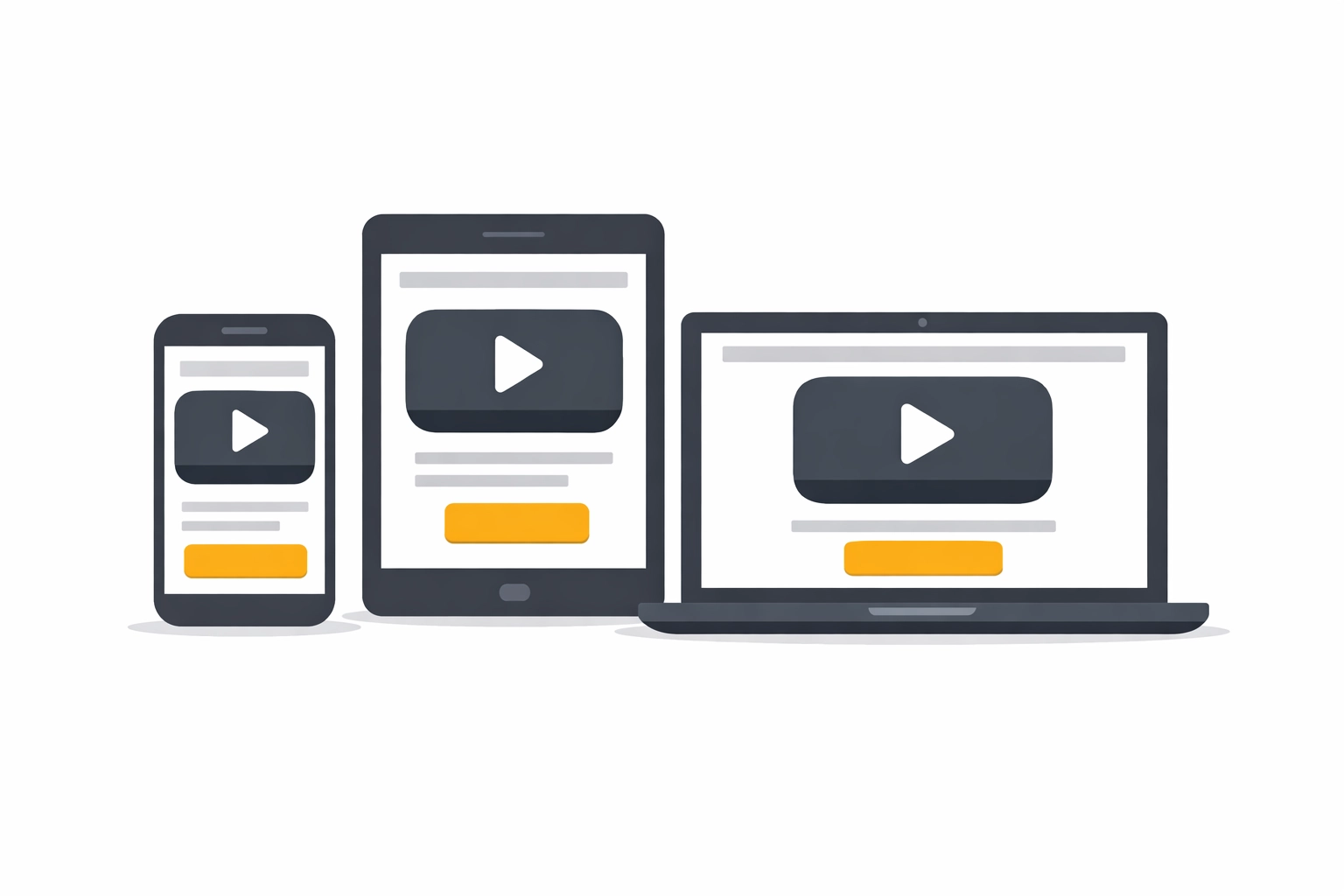
Integration isn't just about the technology; it's about the placement. To maximize the ROI of your shoppable video content, you should deploy it across multiple touchpoints in your customer journey.
1. The Homepage Hero
Instead of a static image, use a recorded shoppable video that introduces your brand and allows users to shop your best-sellers immediately.
2. Dedicated Landing Pages
If you are a consultant or a sales leader, creating a dedicated landing page for your presentation is key. Use MyPitch's AI-powered features to help generate summaries or highlights of your videos that can live on these pages.
3. Product Detail Pages (PDPs)
Replace or supplement your image gallery with a 30-second "How-to" video that has a "Buy Now" button built directly into the frame.
Step 5: Leveraging Team-Based Selling and Partners
One of the most powerful aspects of integrating a live shopping platform is the sales opportunity it creates for your broader team. For businesses that rely on consultants or partners, providing a professional client-facing platform is a massive competitive advantage.
By using a tool like MyPitch, a company can create high-quality, shoppable webinars and then provide platform partners with their own smart invite links. This allows the head office to maintain brand consistency while the individual sales representatives get the credit and tracking they need for their specific leads. It transforms the "standard webinar" into a scalable revenue engine that a whole team can deploy.
Step 6: Analyzing and Optimizing for Better Conversion
The final step in the integration process is the feedback loop. Because you are using a platform designed for commerce, the data you receive is far more valuable than a simple "who attended" list.
You can analyze:
Drop-off points: Where did people stop watching?
Click-through rates (CTR): Which products were clicked the most?
Conversion Rate: How many clicks resulted in a completed checkout?
If you notice a specific product is getting many clicks but no sales, you might need to adjust the pricing or provide more detail in the video description. This level of optimization is impossible with a standard zoom alternative that doesn't track commerce-specific data.

Future-Proofing Your Store with AI and Interactive Tech
As we move further into 2026, the expectations of online shoppers are only going up. They want speed, they want intimacy, and they want ease of use. AI-powered features are now helping creators automatically tag products in videos and even generate interactive transcripts that make your video content searchable.
By choosing to book a demo and explore how these tools fit into your current workflow, you are positioning your business to lead the next wave of social and digital commerce. Whether you are looking for a more robust webinar software or a complete live shopping platform, the goal remains the same: make it as easy as possible for your customer to say "yes."
Final Thoughts on Integration
Integrating shoppable video into your online store doesn't have to be a technical nightmare. By shifting your perspective from "broadcasting" to "interacting," you open up a world of possibilities for your brand. Stop treating your video content as a separate entity from your store and start seeing it as the front door to your business.
Ready to see how a professional live shopping platform can transform your sales? Head over to our homepage to learn more about our unique touch-screen experience and how we help businesses grow through interactive media.
If you’re evaluating Zoom alternatives for selling or engagement, it may be worth exploring interactive webinar platforms designed for conversion.
Comments