

How to Create Shoppable Video Webinars in 5 Minutes (No Downloads Needed)
- Rick Amico
- Jan 22
- 5 min read
If you've ever hosted a webinar on Zoom and watched attendees drop off before you could share your offer, you understand the frustration. Traditional video conferencing tools weren't designed for selling, they were built for meetings. That's why more business owners, consultants, and sales teams are searching for shoppable video solutions and webinar software that actually drives conversions. The good news? Creating interactive, shoppable webinars no longer requires technical expertise, expensive software, or forcing your audience to download anything.
In this guide, we'll walk you through how to set up shoppable video webinars in just five minutes, explain why platforms like Zoom fall short for sales presentations, and show you what to look for in a webinar platform built for conversion.
What Is a Shoppable Video Webinar?
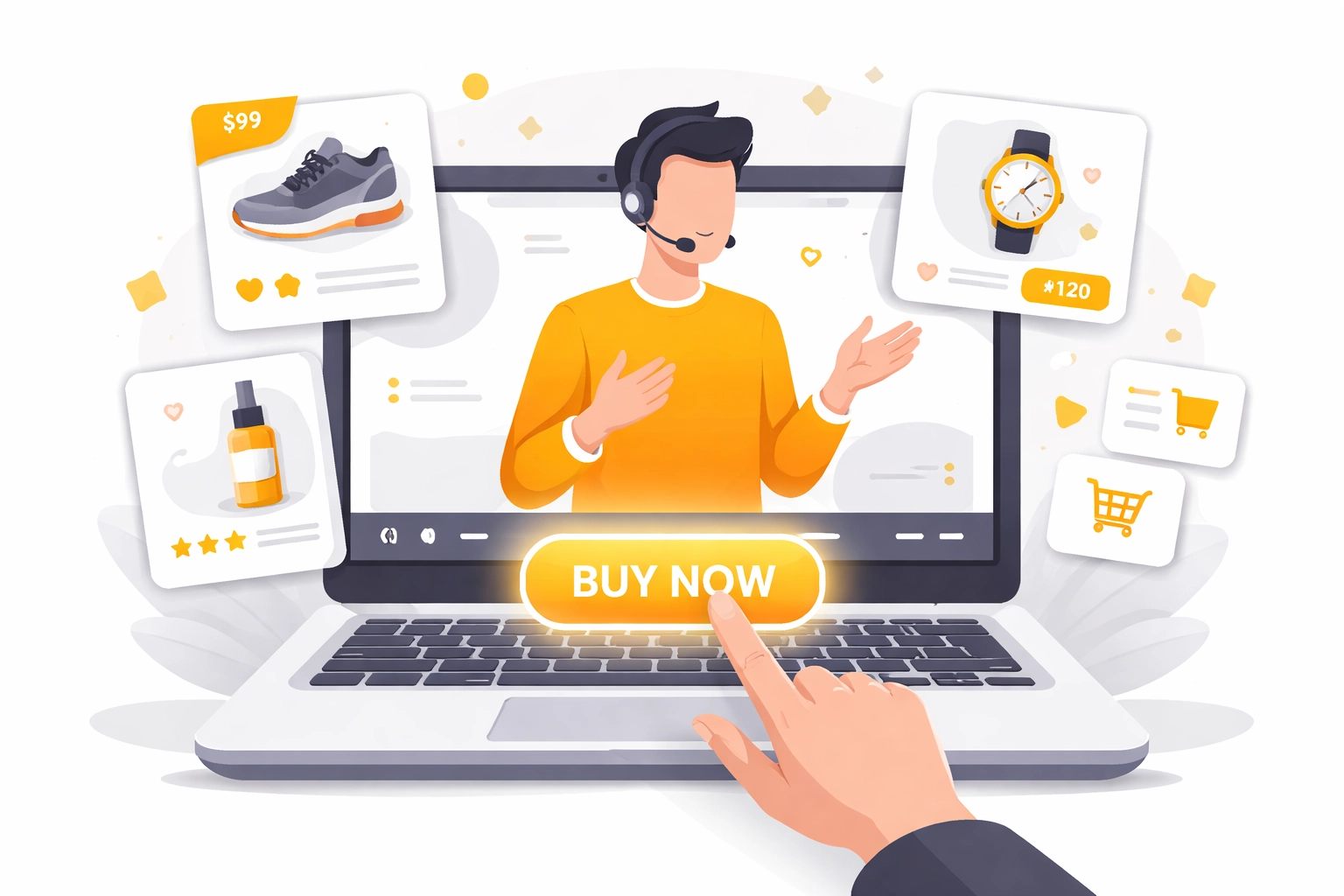
A shoppable video webinar combines the engagement of live video presentations with built-in purchasing capabilities. Instead of presenting information and then directing attendees to a separate checkout page (where you lose them), shoppable webinars allow viewers to take action directly within the presentation.
Think of it as the difference between a museum tour and a showroom experience. One educates; the other invites participation and purchase, all in one seamless flow.
Key features of shoppable video webinars include:
Clickable product links embedded directly in the presentation
Real-time purchasing without leaving the webinar
Interactive elements like polls, Q&A, and on-screen CTAs
No downloads required for attendees to join or buy
This format is particularly valuable for product demonstrations, service presentations, team-based selling environments, and consultants who want to close deals during their pitch rather than after.
Why Zoom Webinars Aren't Built for Selling
Zoom dominates the video conferencing space, but there's a critical distinction between hosting meetings and hosting sales presentations. Here's where Zoom falls short for businesses focused on conversion:
Limited Interactivity
Zoom's webinar mode restricts attendee participation by design. Viewers are largely passive, they can watch and listen, but meaningful engagement is limited. For sales-focused presentations, this creates a disconnect between presenter and prospect.
No Native Shopping Integration
If you want attendees to purchase during a Zoom webinar, you'll need to share links in chat, hope they click, and trust they'll complete checkout on a separate page. Each step introduces friction, and friction kills conversions.
Download Barriers
While Zoom does offer browser-based joining, the experience often pushes users toward downloading the app. For prospects who are casually interested, this extra step can be the difference between attending and abandoning.
Tracking Limitations
Zoom provides basic attendance data, but lacks the granular tracking that sales teams need, like which products attendees clicked on, how long they engaged with specific offers, or which segments of your presentation drove the most interest.
Feature | Zoom Webinars | Interactive Webinar Platforms |
Native shopping integration | No | Yes |
No-download attendance | Limited | Full browser-based |
Interactive touch elements | Basic | Advanced (polls, CTAs, live offers) |
Smart invite link tracking | No | Yes |
Built for selling | No | Yes |
For business owners and sales leaders evaluating Zoom alternatives, these limitations represent real revenue left on the table.
The 5-Minute Setup: Creating Your First Shoppable Video Webinar
Here's a streamlined process for launching a shoppable video webinar quickly: no technical skills required.
Step 1: Choose a Platform Built for Conversion
Not all webinar software is created equal. Look for platforms that offer:
Browser-based access with no downloads for attendees
Interactive presentation tools like touch-screen experiences
E-commerce integration for seamless purchasing
Smart invite links that track attendee behavior and sources
AI-powered features that enhance engagement and follow-up
Platforms designed specifically for selling: rather than just meeting: will have these features built in from the start.

Step 2: Connect Your Products or Services
Link your offers directly to your webinar. This might include:
Physical products from your e-commerce store
Digital products or courses
Service packages or consultation bookings
Affiliate offers (for platform partners and team-based selling)
The goal is to eliminate the gap between "I'm interested" and "I'm buying." When attendees can act on impulse during your presentation, conversion rates climb.
Step 3: Design Your Interactive Presentation
Structure your webinar with engagement in mind:
Opening hook (2-3 minutes): Establish the problem and promise
Educational content (10-15 minutes): Deliver value and build trust
Product demonstration (5-10 minutes): Show your offer in action
Interactive Q&A (5-10 minutes): Address objections in real-time
Call-to-action (2-3 minutes): Direct attendees to purchase or book
Embed clickable elements throughout: not just at the end. Attendees who are ready to buy at minute seven shouldn't have to wait until minute thirty.
Step 4: Generate Smart Invite Links
One of the most powerful features of modern webinar software is the ability to create trackable invite links. These allow you to:
See which marketing channels drive the most registrations
Track individual attendee engagement
Attribute sales to specific campaigns or team members
Optimize your promotion strategy based on real data
For consultants and sales leaders managing teams, smart invite links also enable commission tracking and performance measurement across your organization.
Step 5: Go Live (No Downloads Needed)
With everything connected, you're ready to launch. Attendees simply click your link and join directly in their browser. No app downloads, no installation prompts, no friction.
During the webinar, products appear as interactive elements on screen. Attendees can click to learn more, add to cart, or purchase: all without leaving the presentation.

Who Benefits Most from Shoppable Video Webinars?
This format isn't for everyone, but it's particularly powerful for:
Product-Based Businesses
If you sell physical or digital products, demonstrating them live while enabling instant purchase is a game-changer. Viewers see the product in action and can buy before their enthusiasm fades.
Consultants and Service Providers
For those selling high-ticket services, shoppable webinars allow you to present case studies, answer questions, and book consultations: all in one session. No more "I'll send you a link after the call."
Team-Based Selling Organizations
Sales leaders who manage teams can use shoppable webinar platforms as a client-facing tool that everyone on the team can deploy. This creates consistency in presentation quality and enables accurate tracking of who's driving results.
Affiliate Marketers and Platform Partners
For those building leverage through presentations and automation, shoppable webinars offer a scalable way to present offers to audiences repeatedly. Combined with commission tracking software, this becomes a measurable, optimizable sales channel.
What to Look for in a Zoom Alternative for Selling
If you're evaluating webinar platforms, here's a checklist of features that matter for conversion-focused presentations:
Interactive touch-screen experience: Keeps attendees engaged and active
Seamless e-commerce integration: Products connect directly to your store
No downloads required: Removes the biggest barrier to attendance
Smart invite links: Tracks sources, engagement, and attribution
AI-powered features: Automates follow-up and enhances personalization
Commission tracking: Essential for team-based selling environments
The right platform should feel less like a meeting tool and more like a sales environment that happens to use video.
Getting Started with Interactive Webinar Software
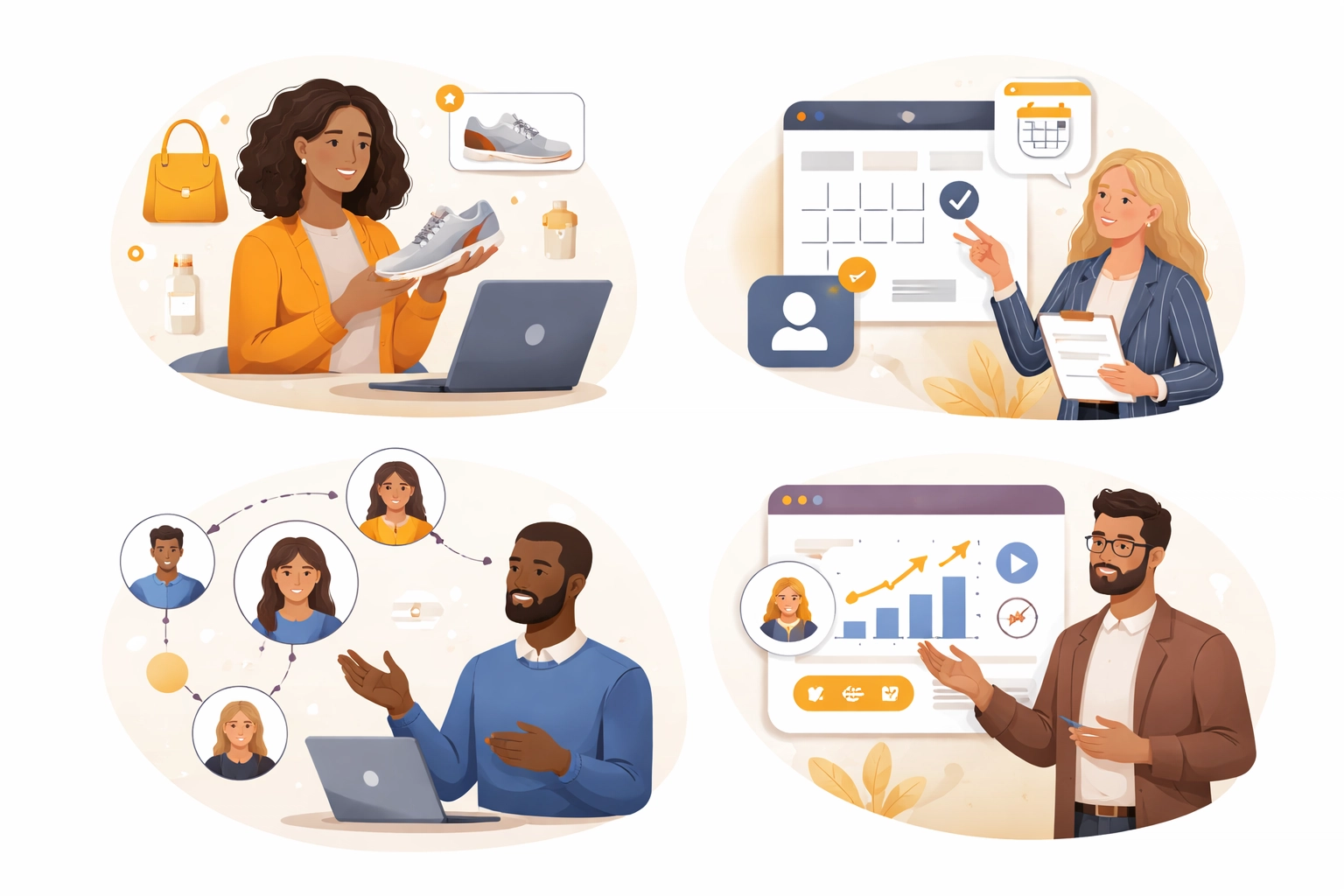
The shift from passive video conferencing to interactive, shoppable presentations represents a fundamental change in how businesses sell online. Rather than treating webinars as educational events that hopefully lead to sales later, modern platforms treat them as conversion opportunities from the first minute.
If you're ready to explore what this looks like in practice, MyPitch offers an interactive webinar platform designed specifically for selling: with no downloads required for you or your attendees.
For a personalized walkthrough of how shoppable video webinars could work for your business or team, you can book a demo to see the platform in action.
Final Thoughts
The webinar landscape has evolved far beyond screen sharing and slide decks. For business owners, marketers, and sales teams who depend on presentations to drive revenue, the tools you use matter. Platforms built for meetings will always underperform compared to platforms built for selling.
If you're evaluating Zoom alternatives for selling or engagement, it may be worth exploring interactive webinar platforms designed for conversion.
Comments