

Live Shopping Platform 101: A Beginner's Guide to Selling Directly During Your Webinars
- Rick Amico
- Jan 26
- 5 min read
If you've been using Zoom to host presentations, training sessions, or product demonstrations, you've probably noticed something frustrating: the moment you want attendees to actually purchase something, the experience breaks down. You're sharing links in chat, hoping people click through, and watching potential buyers disappear into checkout limbo. That's where a live shopping platform designed for webinars changes everything.
The ability to sell directly during your webinars isn't just a nice-to-have feature anymore: it's becoming essential for businesses, consultants, and sales teams who want to convert engaged viewers into paying customers without the friction of traditional follow-up sequences.
In this guide, we'll walk you through what live shopping platforms actually do, why standard meeting software wasn't built for selling, and how to evaluate your options if you're ready to turn your presentations into conversion machines.
What Is a Live Shopping Platform (And Why Does It Matter for Webinars)?
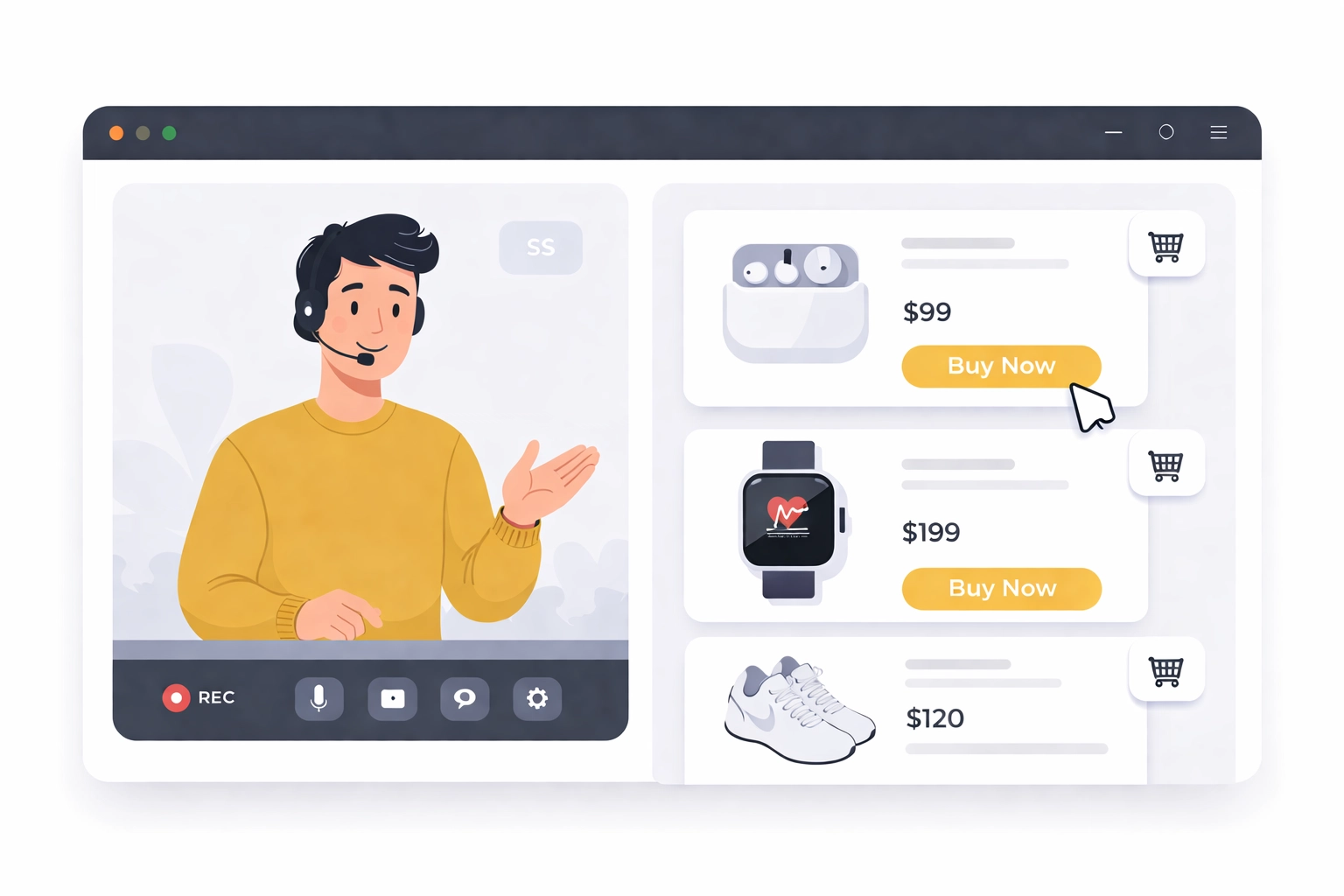
A live shopping platform combines real-time video presentations with integrated purchasing capabilities. Instead of asking viewers to leave your webinar, visit a separate website, and complete a checkout process, these platforms let them browse and buy products or services directly within the presentation environment.
Think of it as the difference between a commercial that says "visit our website" versus a TV shopping channel where you can call and order immediately. The second option removes barriers between interest and action.
For webinar hosts, this means:
Higher conversion rates because buyers don't have to navigate away
Real-time engagement through interactive elements, Q&A, and product demonstrations
Better tracking of what drives purchases during your presentation
Reduced drop-off between "interested" and "purchased"
Why Standard Zoom and Video Conferencing Tools Fall Short
Let's be clear: Zoom and similar video conferencing software are excellent for meetings, collaboration, and general communication. But they were designed for conversations, not conversions.
Here's where traditional meeting platforms create friction when you're trying to sell:
No native commerce integration. You can share your screen showing products, but there's no built-in way for attendees to purchase without leaving the webinar.
Chat links get buried. When you post a purchase link in chat during an active presentation, it often disappears in the scroll, especially with larger audiences.
Limited interactivity. Standard webinar tools offer basic polls and Q&A, but lack the touchscreen-style interactive experiences that drive engagement and buying decisions.
Tracking challenges. If you're working with a team or running affiliate promotions, tracking which presenter or invitation source drove a sale becomes complicated.
Download requirements. Many platforms require attendees to install software, creating an immediate barrier before they even join your presentation.
Zoom Alternatives: Comparing Meeting Software to Selling Platforms
When evaluating webinar platforms for sales-focused presentations, the differences become clear:
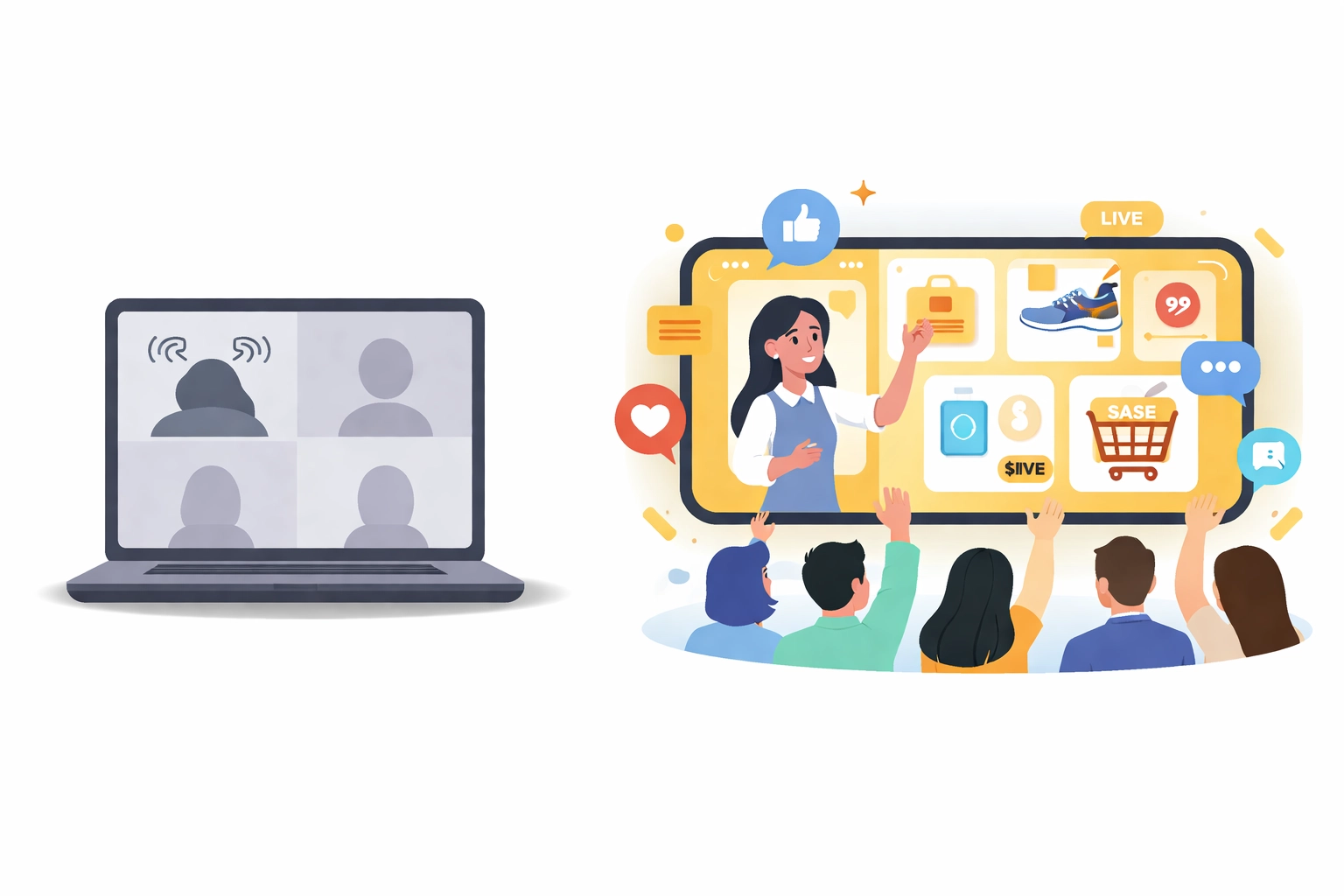
Feature | Standard Meeting Software (Zoom, Teams, Google Meet) | Interactive Selling Platforms |
Primary Purpose | Communication and collaboration | Presentations with integrated conversion |
Commerce Integration | None (external links only) | Native product displays and checkout |
Attendee Experience | Download often required | Browser-based, no downloads needed |
Interactive Elements | Basic polls, chat, screen share | Touchscreen experience, product showcases, live engagement |
Tracking & Attribution | Limited to attendance | Smart invite links, commission tracking, source attribution |
Best For | Internal meetings, team calls | Sales presentations, product demos, team-based selling |
If your primary goal is selling: whether products, services, courses, or consulting packages: the platform you choose should be built with that outcome in mind.
Key Features to Look for in a Webinar Platform Built for Selling
Not all "webinar software" is created equal. When you're evaluating Zoom alternatives specifically for sales presentations, here's what matters:
Interactive Touch Screen Experience
Passive viewers don't buy. Platforms that offer interactive elements: clickable product displays, real-time engagement features, and touchscreen-style interfaces: keep attendees actively involved in your presentation rather than checking their phones.
Seamless E-Commerce Integration
The fewer clicks between "I want this" and "I bought this," the better. Look for platforms that integrate directly with your existing e-commerce setup or offer native checkout capabilities.
No Downloads Required
Every download requirement is a potential lost attendee. Browser-based platforms eliminate this friction entirely, making it easier to fill your webinars and keep people engaged from the first moment.
Smart Invite Links for Tracking
If you're building a team, working with partners, or running any kind of referral program, you need to know which sources drive results. Smart invite links let you track exactly where your attendees: and buyers: come from.
AI-Powered Features
Modern platforms are incorporating AI to help with everything from presentation optimization to attendee engagement analysis. These tools can help you understand what's working and improve your results over time.
Commission Tracking Software
For businesses using team-based selling models or working with platform partners, built-in commission tracking eliminates the spreadsheet chaos and ensures everyone gets properly credited for their contributions.
Getting Started: Your First Sales-Focused Webinar
Ready to move beyond standard video conferencing? Here's a practical framework for launching your first selling webinar:
Step 1: Choose Your Platform Wisely
Don't default to what you've always used. Evaluate your options based on selling capabilities, not just meeting features. Consider platforms like MyPitch that are specifically designed for interactive presentations with commerce integration.
Step 2: Plan Your Product Focus
Start with a focused selection: no more than five to ten products or offers for your first event. This keeps your presentation clear and your calls-to-action specific.
Step 3: Structure for Engagement
Build your webinar around interaction, not just presentation. Plan moments for Q&A, product demonstrations, and direct engagement with your audience. The more involved they feel, the more likely they are to buy.
Step 4: Create Urgency (Authentically)
Offering exclusive pricing or bonuses available only during the live presentation creates genuine urgency. Just make sure your offers are real and valuable.
Step 5: Test Everything
Run through your entire presentation, including the purchasing process, before going live. Technical issues during checkout kill conversions faster than almost anything else.

Best Practices for Selling During Webinars
Once your platform is set up, success comes down to execution:
Demonstrate products in action. Don't just describe features: show them. Live demonstrations help viewers visualize value and make faster decisions.
Engage through two-way interaction. Use chat, polls, and Q&A to create dialogue, not monologue. Address questions and concerns in real time to build trust.
Monitor your metrics. Track view counts, engagement rates, and conversion rates during and after each webinar. Use this data to refine your approach.
Follow up strategically. Even with in-webinar purchasing, some attendees need more time. Have a follow-up sequence ready for those who engaged but didn't buy.
Building a Team-Based Selling Operation
One of the most powerful applications of interactive webinar platforms is supporting team-based selling models. Whether you're leading a sales organization, working with consultants, or building a network of platform partners, the right tools make scaling possible.
Features like smart invite links and commission tracking software let you:
Attribute sales accurately to the right team members
Provide your team with a client-facing platform they can use confidently
Build leverage through presentations that can be replicated across your organization
Track performance and optimize your approach based on real data
This transforms webinars from a one-person activity into a scalable business operation.
The Bottom Line on Interactive Webinar Platforms
Standard meeting software has its place, but if you're serious about selling through presentations, you need tools designed for that purpose. The gap between "general video conferencing" and "conversion-focused webinar platforms" is significant: and it shows up directly in your results.
If you're evaluating Zoom alternatives for selling or engagement, it may be worth exploring interactive webinar platforms designed for conversion. Book a demo to see how the right platform can transform your presentations into consistent revenue drivers.
Comments