

Live Shopping Platform 101: A Beginner's Guide to Turning Webinars Into Revenue
- Rick Amico
- Feb 16
- 7 min read
If you've been running webinars on Zoom or traditional meeting platforms, you've probably noticed something: they're great for talking, but terrible for selling. You finish your presentation, share a link in the chat, and hope people remember to click it later. Most don't. That's because platforms like Zoom weren't built for commerce: they were built for meetings. That's where a live shopping platform changes everything. These tools combine the engagement of live video with the conversion power of integrated e-commerce, letting viewers buy the moment they're interested, not three days later when they've forgotten why they cared.
What Exactly Is a Live Shopping Platform?
A live shopping platform merges live video streaming with real-time purchasing capabilities. Instead of just watching a presentation, your audience can click, buy, and checkout without ever leaving the video experience. Think of it as the digital version of a Home Shopping Network broadcast: but interactive, trackable, and hosted by you.
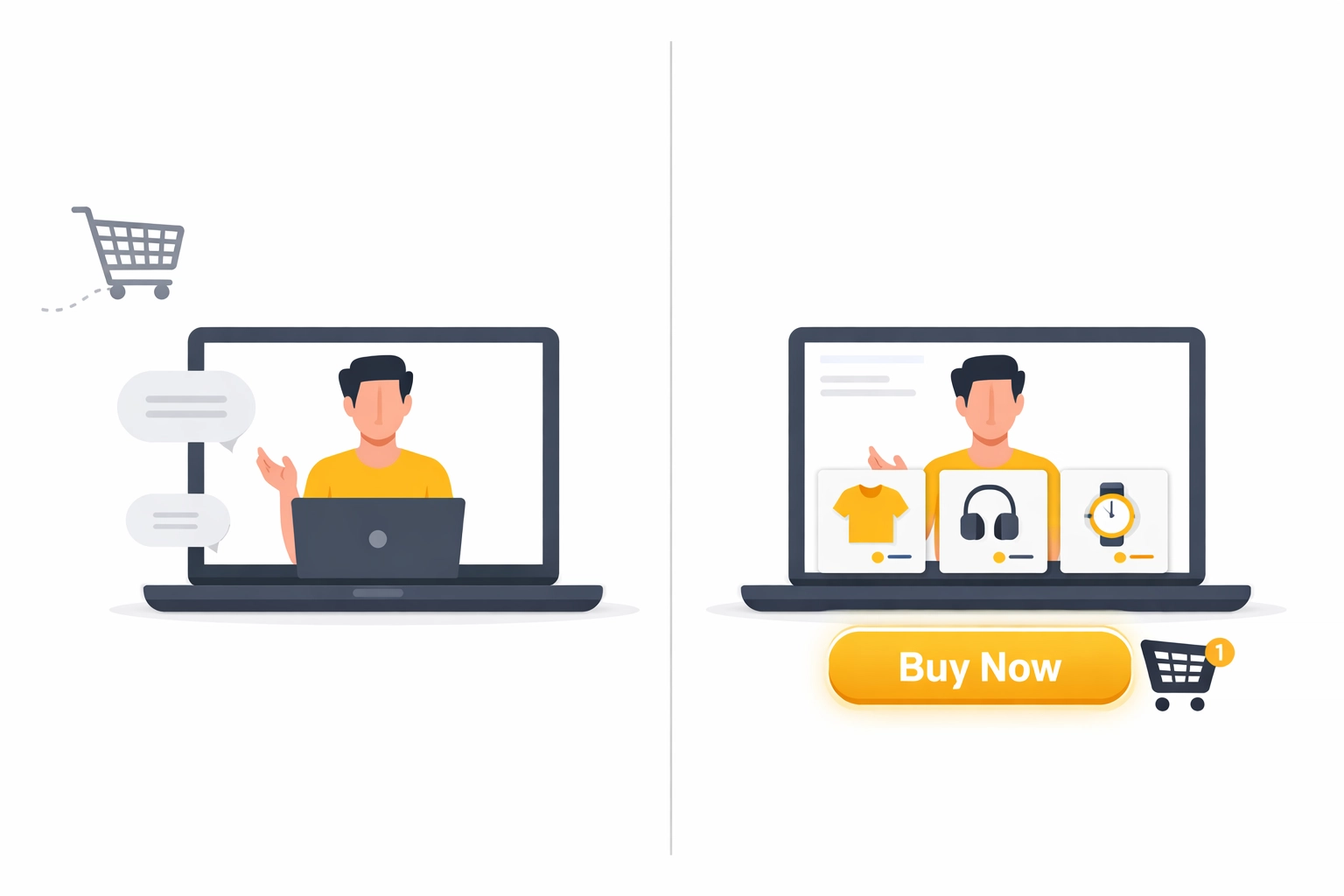
Traditional webinar software focuses on screen sharing and Q&A. Live shopping platforms add product showcases, buy buttons, cart integration, and instant checkout: all synchronized with your live presentation. The result? You're not just informing your audience; you're giving them a frictionless path to purchase while their interest is at its peak.
Unlike standard video conferencing tools, these platforms are designed specifically for revenue generation. They understand that timing matters in sales, and that every extra click between "I want this" and "I bought this" is a chance for your prospect to change their mind.
Why Traditional Webinar Platforms Fall Short for Selling
Here's the problem with using Zoom or similar tools for sales presentations: they create unnecessary friction. You demo your product, build excitement, answer objections: and then you have to interrupt the flow to paste a link in chat. Participants have to leave the webinar, navigate to a new page, remember what they wanted, and complete checkout on their own.
That's at least four decision points where you can lose the sale.
Shoppable video experiences eliminate this friction entirely. The buy button lives right next to your video feed. Product details appear as you discuss them. Checkout happens in a sidebar or overlay, so viewers never lose their place. This isn't just convenient: it's conversion optimization at the platform level.
For sales teams, consultants, and anyone presenting products to a live audience, this distinction matters. You're not building an audience for later. You're capturing revenue now, while attention and interest are highest.

How Live Shopping Platforms Actually Drive Revenue
So what makes these platforms convert better than sending a follow-up email with a link? It comes down to psychology and mechanics working together.
Real-Time Urgency and FOMO
When you announce a limited-time discount that expires at the end of the broadcast, viewers can act immediately. They see a countdown timer. They see other participants making purchases (if you enable social proof notifications). That creates urgency: and urgency drives decisions.
Research shows that roughly 40% of e-commerce purchases are impulse buys. Live shopping platforms are built to capitalize on that impulse before it fades. Traditional webinar tools ask people to remember their impulse for later, which almost never works.
Interactive Engagement That Builds Trust
Live shopping isn't just about broadcasting. It's about conversation. Viewers ask questions in chat, you answer in real time, and they buy based on that personalized interaction. This replicates the trust-building that happens in physical retail, where a knowledgeable salesperson can address specific concerns on the spot.
This two-way interaction is especially valuable for team-based selling and presentations. When you're presenting to a network or group, the ability to field questions live: and let participants see those Q&As: builds collective confidence in the product.
Seamless Transaction Experience
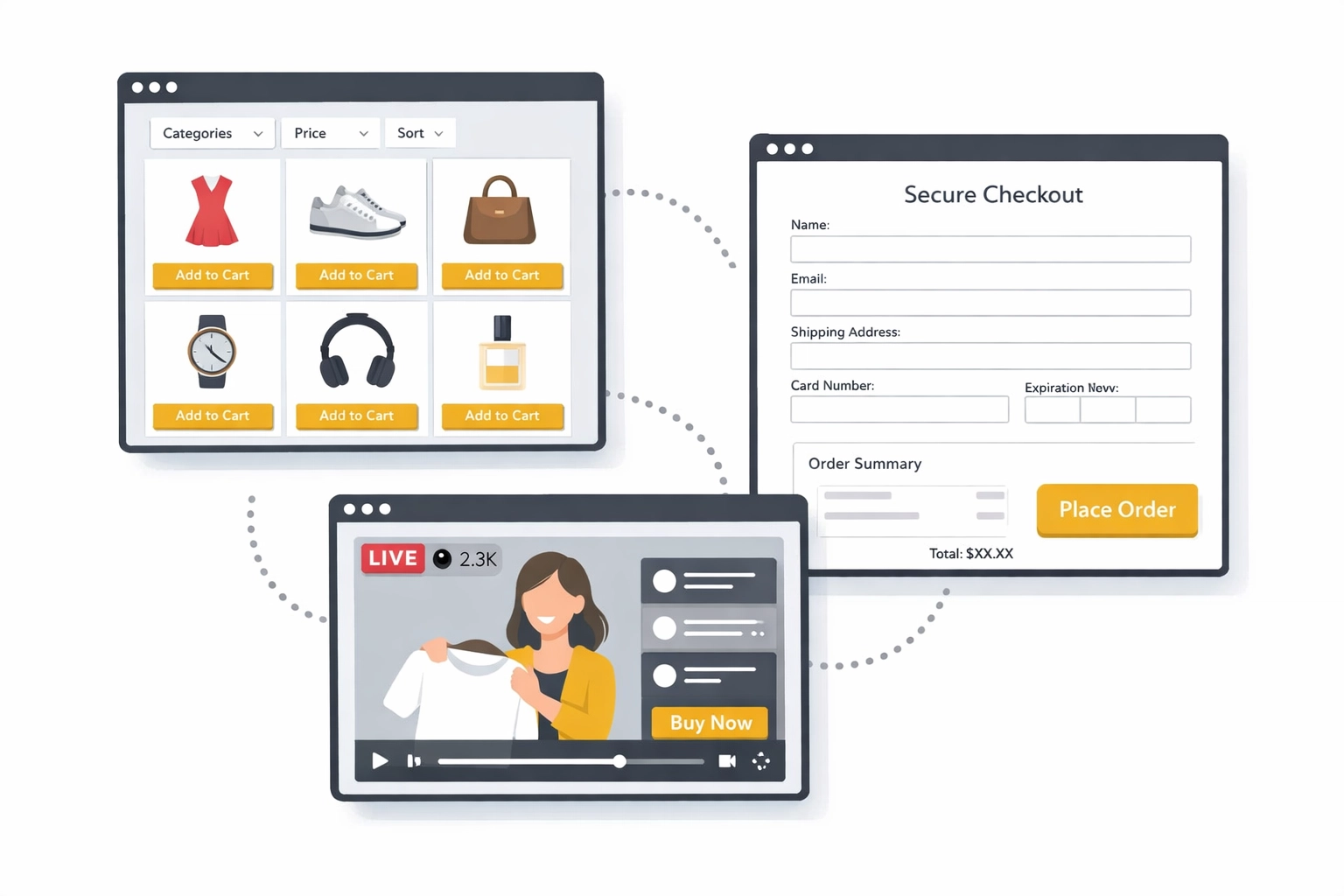
The best live shopping platforms integrate directly with payment processors and inventory systems. That means when someone clicks "buy," they're not redirected to a clunky checkout page from 2012. They complete payment in a smooth, modern interface that matches your brand: often without leaving the video screen at all.
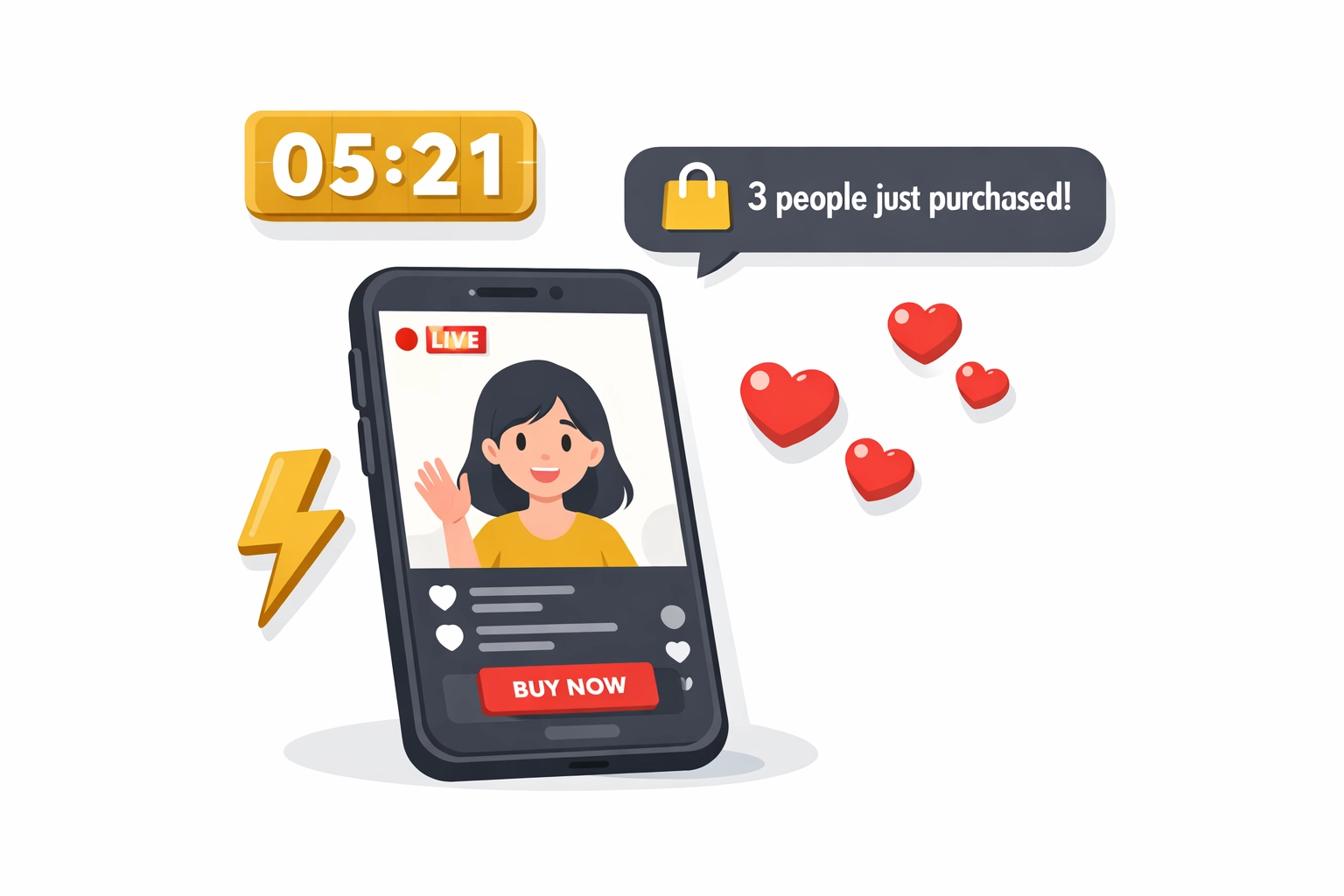
For businesses that rely on repeat sales or subscription models, this seamless experience isn't just about closing one sale. It's about creating a buying experience so effortless that customers come back for the next presentation, and the one after that.
Must-Have Features in a Live Shopping Platform
Not all platforms are created equal. If you're evaluating options, here's what actually matters:
Integrated Product Showcases: You should be able to display products, descriptions, and pricing alongside your video without relying on screen sharing or external links. The product catalog should be native to the platform.
One-Click Checkout: The fewer steps between interest and purchase, the better. Look for platforms that support guest checkout, saved payment methods, and mobile optimization.
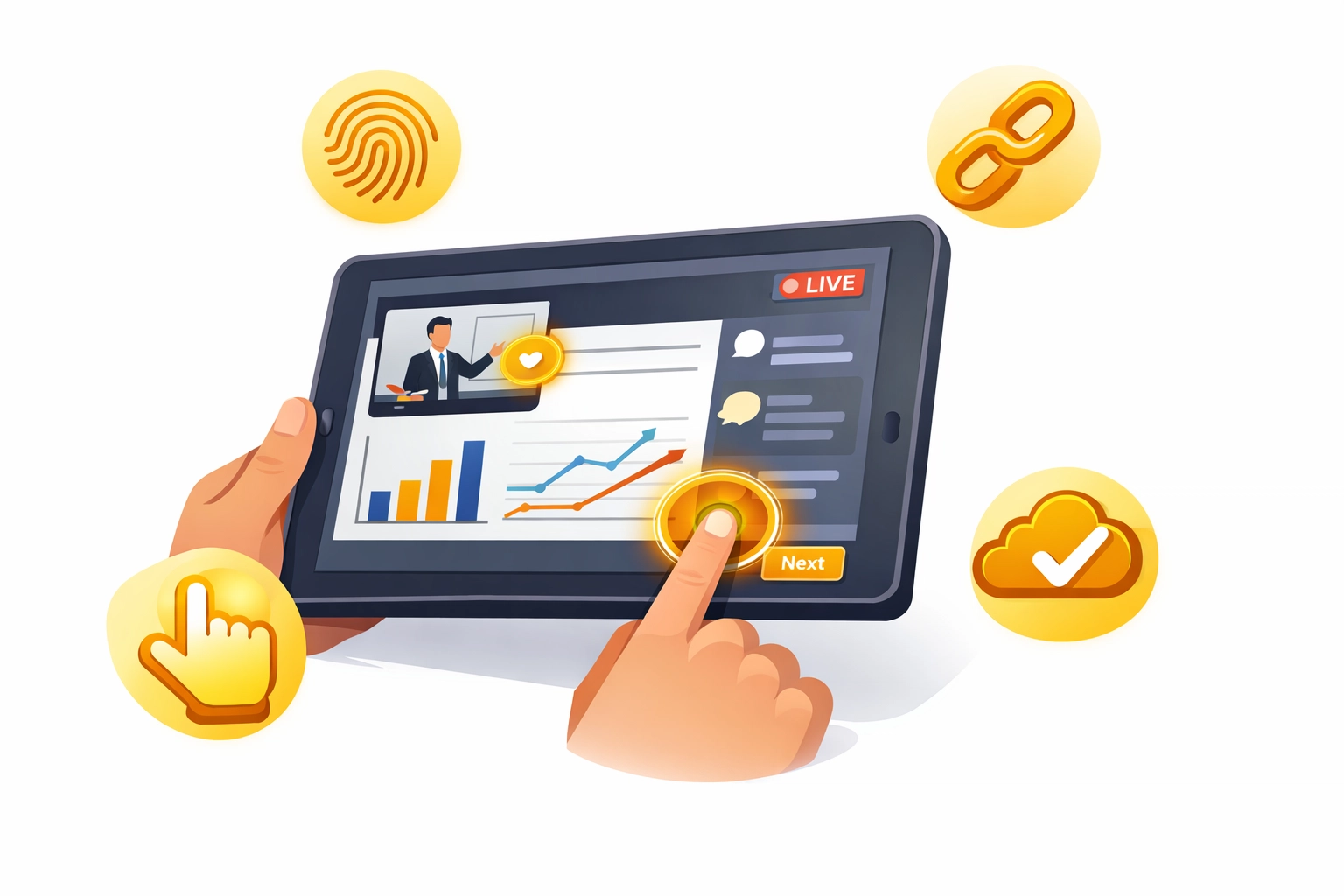
Interactive Touch Screen Experience: For premium platforms, touch-enabled interfaces let you highlight products, draw on-screen, and navigate between content seamlessly: especially valuable when presenting from a tablet or touch-enabled device.
Smart Invite Links and Tracking: If you're working with a sales team or offering this platform as a client-facing tool, you need to know who referred whom. Smart invite tracking means each team member gets a unique link, and all sign-ups and purchases are attributed correctly. This is critical for commission tracking and understanding which presenters drive the most revenue.
No Downloads Required: Browser-based platforms have a massive advantage. If attendees need to download software before joining, you've already lost 30% of them. The best tools work instantly in any browser: on desktop, tablet, or mobile.
AI-Powered Features: Modern platforms use AI to generate product descriptions, suggest upsells during the presentation, and even analyze which moments in your webinar drove the most engagement. This data helps you refine your pitch over time.
Choosing the Right Platform for Your Business
Your choice depends on where you're starting and what you're selling.
If you already have an audience on Instagram or TikTok, native live shopping features on those platforms are an easy entry point. But they come with limitations: you don't own the audience data, you're subject to platform algorithms, and customization is minimal.
If you're a business owner, consultant, or sales leader building a repeatable sales system, a dedicated live shopping platform gives you far more control. You own the experience, the customer data, and the follow-up relationship. You can customize branding, integrate with your existing CRM or affiliate tracking software, and scale without platform restrictions.
For teams evaluating tools they can deploy across multiple presenters: or even offer as part of a consulting service: platforms with commission tracking and white-label options become essential. You're not just using the tool; you're building a system others can replicate.
Getting Started: Your First Live Shopping Webinar
Here's a simple framework to launch your first live shopping webinar without overcomplicating it:
Step 1: Choose Your Products and Offer Start with 2-3 hero products. Don't try to showcase your entire catalog in your first session. Pick items with clear value propositions and strong margins. Create a time-limited offer exclusive to the live audience: 15% off, a bonus bundle, or early access to something new.
Step 2: Set Up Your Platform Choose a platform that doesn't require participants to download anything. Test the checkout flow yourself before going live. Make sure your payment processor is connected and your inventory is synced (if applicable).
Step 3: Plan Your Content Flow Structure your webinar like a story, not a product list. Introduce the problem, show how your product solves it, demonstrate key features, address objections, and close with your exclusive offer. Keep it tight: 30 to 45 minutes is the sweet spot for most audiences.
Step 4: Drive Registration and Attendance Use email, social media, and SMS to promote your session. Consider offering a small incentive for early registration (bonus content, VIP Q&A time). Send reminders 24 hours, 1 hour, and 15 minutes before the webinar starts.
Step 5: Go Live and Engage Start on time. Acknowledge participants by name as they join. Encourage questions throughout: not just at the end. Use polls or quick reaction features to keep energy high. When you present your offer, make the buying process as visible and simple as possible.
Step 6: Follow Up Strategically After the session, send a replay link with a shorter urgency window: maybe 48 hours to claim the same offer. Use platform analytics to see who attended but didn't buy, then craft personalized follow-up messages based on their engagement level.
Why Interactive Webinar Platforms Outperform Static Tools
The difference between traditional webinar software and a live shopping platform comes down to intent. Zoom, Google Meet, and similar tools were designed for internal communication. They're built for screen sharing, not selling.
A platform designed for commerce understands that your goal isn't just to present: it's to convert. That means every feature is optimized for reducing friction, building urgency, and making it ridiculously easy to buy.
For businesses and sales professionals, that design difference translates directly to revenue. You're not adding a sales process on top of a meeting tool. You're using a tool where the sales process is the foundation.
And if you're building a team-based sales system: whether you're training consultants, supporting a downline, or offering this technology as part of a client service: that foundation matters even more. You need a tool that's built for scale, tracking, and seamless client-facing presentations, not video calls that happen to have a chat box.
The Bottom Line
Traditional webinars and live shopping platforms serve different purposes. If you're hosting internal team meetings or educational sessions with no sales component, Zoom is perfectly fine. But if your goal is to turn presentations into revenue: whether you're selling physical products, digital courses, consulting packages, or subscription services: you need a platform built for that outcome.
Live shopping platforms remove the gap between interest and purchase. They integrate selling directly into the viewing experience, so you capture revenue in the moment, not someday later when your prospect is distracted by seventeen other priorities.
For anyone serious about converting live presentations into consistent income, it's not a question of whether to upgrade: it's a question of how soon.
If you're evaluating Zoom alternatives for selling or engagement, it may be worth exploring interactive webinar platforms designed for conversion.
Comments