

Live Shopping Platforms Explained: How to Turn Any Webinar Into a Shoppable Experience
- Rick Amico
- Jan 29
- 5 min read
If you've ever hosted a webinar on Zoom and wished your audience could buy your product right then and there, you're not alone. Traditional video conferencing tools like Zoom were built for meetings, not selling. They lack the integrated purchase functionality that turns engaged viewers into paying customers. That's where live shopping platforms come in, and understanding how they work could transform your entire sales strategy.
A live shopping platform combines the engagement of real-time video with seamless e-commerce capabilities. Instead of directing attendees to "click the link in the chat" and hoping they follow through later, you can showcase products, answer questions, and close sales all within the same experience. Let's break down exactly how this works and what you need to turn any webinar into a shoppable experience.
What Is a Live Shopping Platform and Why Does It Matter?
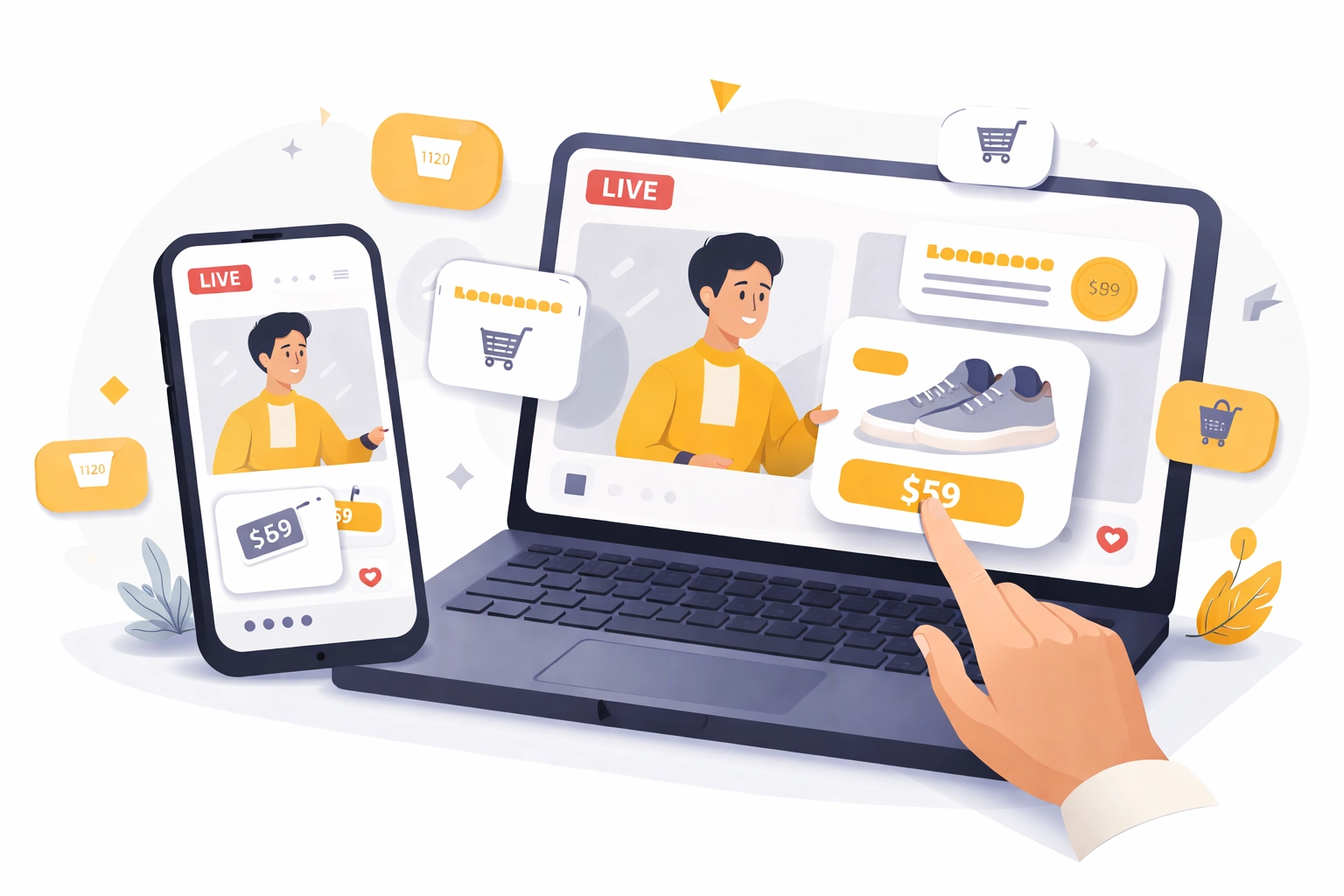
A live shopping platform is software that merges live video streaming with integrated purchasing functionality. Viewers watch your presentation, see products displayed with clickable tags or links, and can complete a purchase without ever leaving the stream.
This isn't just a trend. It's a fundamental shift in how businesses connect with customers online. Traditional webinar software creates a gap between "interested" and "purchased." Someone watches your presentation, feels excited, and then has to navigate to your website, find the product, and check out. Every step in that process loses potential buyers.
Live shopping eliminates those steps. The buying moment happens during peak interest, when your audience is most engaged and emotionally connected to what you're offering.
Why Traditional Webinar Platforms Fall Short for Selling
If you've tried using Zoom, Google Meet, or Webex for sales presentations, you've likely experienced these frustrations:
No integrated checkout: Attendees have to leave the meeting to make a purchase
Limited engagement tools: Basic chat and screen sharing don't create urgency
No product showcasing features: You can't display clickable products during your presentation
Zero purchase tracking: You have no idea which attendees converted after the call
Download requirements: Friction before attendees even join
These platforms were designed for internal team meetings and collaboration. They work beautifully for that purpose. But when your goal is to present, engage, and convert, you need tools built specifically for selling.
Zoom Alternatives: Comparing Meeting Platforms vs. Selling Platforms
Understanding the difference between meeting platforms and selling platforms is crucial for businesses serious about conversion.
Feature | Traditional Meeting Platforms (Zoom, Teams, Webex) | Interactive Selling Platforms |
Primary Purpose | Collaboration and communication | Engagement and conversion |
Product Display | None | Clickable product showcases |
Checkout Integration | None | Seamless in-stream purchasing |
Engagement Tools | Basic chat, reactions | Polls, Q&A, interactive touch screen |
Download Required | Often yes | No download needed |
Tracking | Attendance only | Full funnel tracking with smart links |
Urgency Features | None | Time-limited offers, countdown timers |
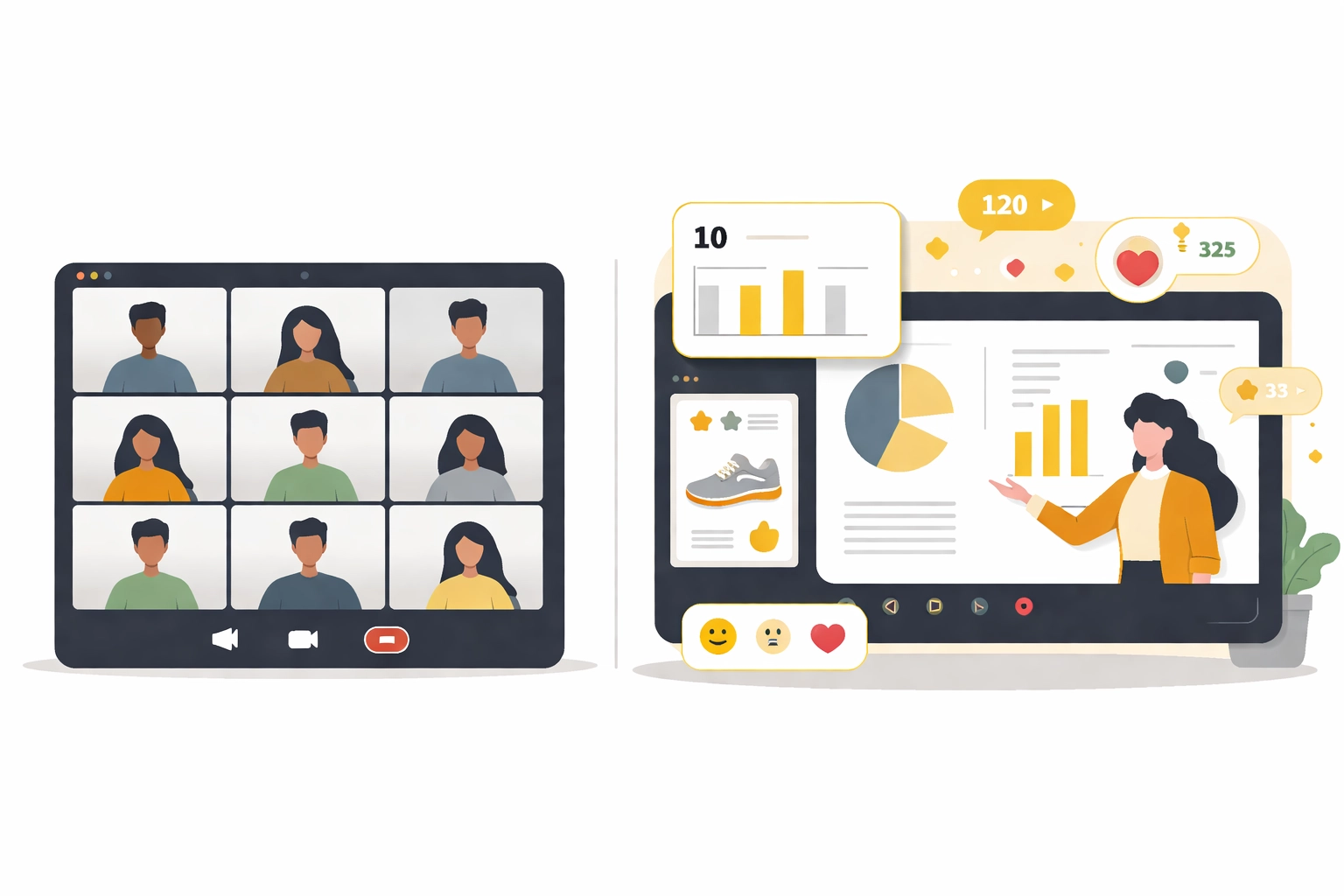
When evaluating Zoom alternatives for your sales presentations, the key question isn't "which has better video quality?" It's "which platform helps me close more sales?"
Core Components of a Shoppable Webinar Experience
Converting your standard webinar into a shoppable experience requires several key elements working together.
Interactive Host Engagement
Your audience needs to feel like participants, not passive viewers. This means live chat where questions get answered immediately, polls that make people feel heard, and a presentation style that responds to real-time feedback.
The best interactive presentation software creates a two-way conversation. When someone asks about sizing, color options, or shipping times, you answer right there. This immediate response builds trust and removes purchase barriers on the spot.
Shoppable Product Integration
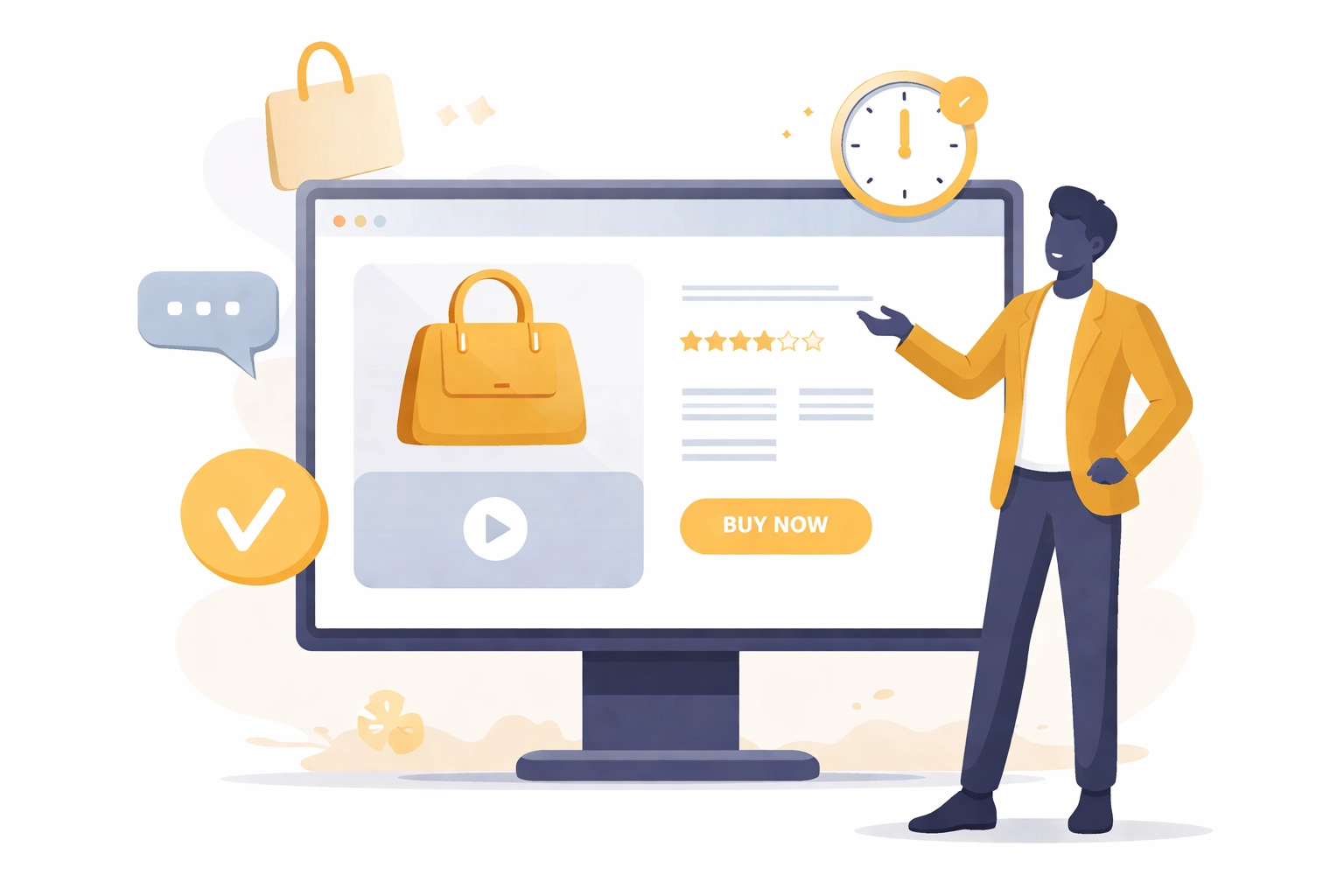
Products should be visible and clickable throughout your presentation. Whether displayed as pop-ups, sidebars, or pinned elements, your audience needs easy access to purchase options without hunting through links or leaving the experience.
This is where seamless e-commerce integration becomes essential. The platform should connect directly to your inventory, process payments securely, and handle the transaction while you continue presenting.
One-Click or Streamlined Checkout
Every additional click between "I want this" and "I bought this" costs you sales. The best shoppable experiences allow customers to purchase with minimal friction, keeping them in the moment rather than sending them on a separate checkout journey.
Time-Limited Offers and Urgency
Live shopping thrives on urgency. Exclusive discounts available only during the broadcast, limited quantity alerts, and countdown timers all encourage immediate action. This isn't manipulation; it's giving your audience a genuine reason to decide now rather than later.
How to Structure Your Shoppable Webinar for Maximum Conversion
Turning your webinar into a sales event requires intentional structure. Here's a framework that works:
Opening (5-10 minutes): Welcome attendees, establish credibility, and preview what they'll learn and what special offers are available only during this session.
Education Phase (15-20 minutes): Deliver genuine value. Teach something useful related to your product or service. This builds trust and positions you as an authority.
Product Demonstration (10-15 minutes): Show your product in action. Answer the questions people are typing in chat. Display products with clickable purchasing options.
Offer Phase (5-10 minutes): Present your exclusive live offer. Create urgency with time limits or quantity caps. Make the path to purchase crystal clear.
Q&A and Close (5-10 minutes): Address remaining objections, remind viewers of the offer deadline, and guide them through the purchase process.
Features to Look for in a Live Shopping Platform
Not all platforms are created equal. When evaluating options, prioritize these capabilities:
No Download Required: Friction kills conversion. If attendees have to download software before joining, you'll lose a significant percentage before they even see your presentation. Browser-based platforms that work instantly remove this barrier entirely.
Interactive Touch Screen Experience: Modern audiences expect interactivity. The ability to engage with your presentation, tap on products, and interact with content keeps attention high and creates a more memorable experience.
Smart Invite Links for Tracking: Understanding which marketing channels drive attendance and which attendees convert is essential for optimizing your funnel. Smart tracking links give you this visibility without complex setup.
AI-Powered Features: From automated follow-ups to intelligent engagement prompts, AI tools can enhance your live shopping experience and help you scale your efforts.
Commission Tracking Software: For businesses working with affiliates or team-based selling structures, built-in commission tracking software eliminates manual calculations and ensures accurate payouts.
Building a Team-Based Selling System with Shoppable Webinars
One powerful application of live shopping platforms is enabling team-based selling. Sales leaders, consultants, and business builders can leverage a single polished presentation across their entire organization.
Imagine recording or hosting one compelling shoppable webinar and allowing your team members to share it with their networks. Each person uses smart invite links that track their referrals, and the platform handles attribution automatically.
This creates leverage. Instead of every team member creating their own presentation (with varying quality), you have one professional, optimized sales experience that everyone can deploy. It's a client-facing platform that scales.
For organizations evaluating tools they can offer their teams, this capability transforms webinar software from a personal productivity tool into a business asset.
Getting Started with Shoppable Webinars
Transitioning from traditional webinars to shoppable experiences doesn't require a complete overhaul. Start with these steps:
Audit your current process: Where do you lose potential buyers between presentation and purchase?
Choose the right platform: Select webinar software built for conversion, not just communication
Plan your first shoppable presentation: Structure it intentionally with the framework above
Create urgency: Develop an exclusive offer for live attendees
Track and optimize: Use your platform's analytics to improve each subsequent presentation
If you're ready to explore platforms designed for this purpose, get started with MyPitch and see how an interactive, shoppable webinar experience compares to traditional meeting tools.
The Future of Webinar-Based Selling
The line between content and commerce continues to blur. Audiences increasingly expect seamless experiences where learning, engagement, and purchasing happen in one place. Businesses that adapt to this expectation will capture attention and revenue that competitors miss.
Whether you're a solo consultant, a sales leader managing a team, or a business owner looking to scale your presentations, understanding live shopping platforms positions you ahead of the curve.
If you're evaluating Zoom alternatives for selling or engagement, it may be worth exploring interactive webinar platforms designed for conversion.
Comments