

Selecting a Webinar Platform for Businesses in 2026
- Rick Amico
- Jan 28
- 5 min read
Choosing the right webinar platform for businesses has become a critical decision for companies looking to grow their sales, train their teams, and engage prospects in 2026. While Zoom remains a household name for video meetings, many organizations are discovering that standard conferencing tools fall short when the goal is conversion rather than conversation. If your business relies on presentations to sell products, onboard clients, or support a distributed team, selecting a purpose-built platform can make all the difference.
This guide will walk you through the key factors to consider when evaluating your options, highlight the features that separate a basic meeting tool from a true selling platform, and help you identify the best fit for your organization.
Why Businesses Are Moving Beyond Zoom for Webinars
Zoom has earned its place as a reliable tool for internal meetings and quick video calls. However, when businesses need to run webinars that convert attendees into customers, Zoom often reveals its limitations.
Standard video conferencing was designed for collaboration, not persuasion. Features like breakout rooms and screen sharing are useful for team huddles, but they do not provide the interactive, branded experience that modern buyers expect. Attendees on a Zoom webinar may find themselves distracted, clicking away, or simply tuning out.
For sales teams, consultants, and organizations that depend on live presentations to drive revenue, a webinar platform for businesses must offer more than just a video feed. It must capture attention, guide the viewer journey, and make it easy to take action in the moment.

Key Features to Look for in a Webinar Platform for Businesses
Not all webinar platforms are created equal. When evaluating your options, prioritize features that align with your business goals. Here are the most important capabilities to consider:
Interactive Touch Screen Experience
Modern audiences expect more than a passive viewing experience. Platforms that offer an interactive touch screen interface allow presenters to engage viewers with clickable elements, real-time polls, and dynamic content. This keeps attention high and makes it easy for prospects to explore products or services during the presentation.
No Downloads Required
Friction kills conversions. If attendees must download software or navigate complex login processes, many will drop off before the webinar even begins. The best platforms allow viewers to join instantly from any browser, on any device, with no downloads required. This removes barriers and ensures maximum attendance.
Built-In Selling Tools
A true webinar platform for businesses should include tools designed to drive sales. Look for features like integrated checkout, product showcases, and call-to-action buttons that appear at key moments during the presentation. These capabilities transform a passive webinar into an active selling environment.
Analytics and Reporting
Data-driven businesses need detailed insights into attendee behavior. The right platform will provide engagement heatmaps, attendance tracking, and conversion metrics. This information helps you refine your presentations and optimize your results over time.
Customization and Branding
Your webinar should look and feel like an extension of your brand. Platforms that offer customizable landing pages, branded interfaces, and personalized welcome messages create a professional impression and build trust with your audience.
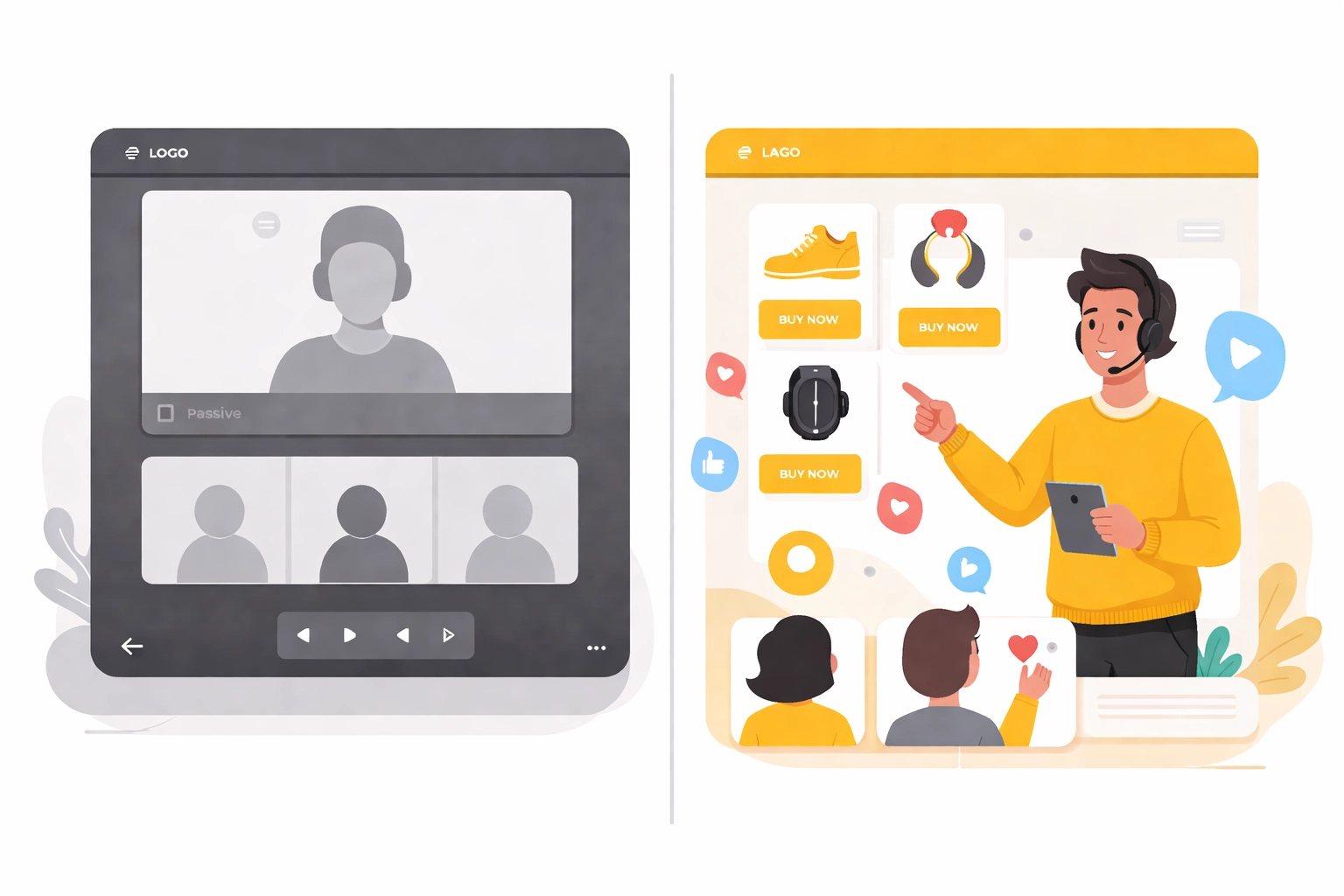
Zoom vs. Interactive Webinar Platforms: A Comparison
To help clarify the differences, here is a comparison between standard video conferencing tools like Zoom and interactive webinar platforms designed for selling:
Feature | Zoom | Interactive Webinar Platform |
Primary Purpose | Meetings and collaboration | Sales, presentations, and engagement |
Attendee Experience | Passive viewing | Interactive touch screen experience |
Download Required | Yes (for full features) | No downloads required |
Built-In Selling Tools | Limited | Integrated checkout and CTAs |
Branding Options | Basic | Fully customizable |
Analytics | Standard attendance data | Engagement heatmaps and conversion tracking |
Ideal For | Internal teams | Client-facing presentations and sales events |
This comparison highlights why businesses focused on conversion are seeking Zoom alternatives that deliver a more engaging, results-driven experience.
How a Webinar Platform for Businesses Supports Team-Based Selling
For organizations with distributed teams, consultants, or sales leaders managing a downline, the right platform can become a powerful leverage tool. Instead of relying on one-on-one calls, team members can host branded webinars that reach dozens or hundreds of prospects at once.
A client-facing platform allows team leaders to:
Provide a turnkey presentation tool that team members can use immediately
Maintain consistent branding and messaging across all presentations
Track engagement and results across the entire organization
Scale outreach without multiplying effort
This approach is especially valuable for sales organizations, consulting firms, and platform partners who want to offer webinar software as part of their service. By equipping teams with a purpose-built tool, leaders can drive results while maintaining quality control.
What Makes MyPitch Different
MyPitch is designed from the ground up as a webinar platform for businesses that need more than a basic meeting tool. The platform combines an interactive touch screen experience with built-in selling features, all accessible with no downloads required.
Key differentiators include:
Interactive Presentations: Engage viewers with clickable content, real-time reactions, and dynamic product showcases.
Instant Access: Attendees join from any browser, on any device, without software installation.
Conversion-Focused Tools: Integrated calls to action and checkout options turn viewers into buyers during the presentation.
Professional Branding: Customizable interfaces and landing pages ensure every webinar reflects your brand identity.
Powerful Analytics: Track engagement, identify drop-off points, and measure conversions with detailed reporting.
Whether you are a solo consultant, a growing sales team, or an enterprise organization, MyPitch provides the tools you need to present, engage, and convert.

Questions to Ask Before Choosing a Webinar Platform
Before making a decision, consider these questions to ensure you select the right fit for your business:
What is the primary goal of your webinars? If selling or lead generation is a priority, choose a platform built for conversion.
How important is attendee experience? Interactive features keep viewers engaged and increase the likelihood of action.
Do your prospects face technical barriers? A no-download solution removes friction and boosts attendance rates.
Will your team use this platform? Consider scalability and ease of use for team-based selling.
What analytics do you need? Detailed reporting helps you refine your approach and improve results over time.
Taking time to answer these questions will help you identify the platform that aligns with your business objectives.
Steps to Get Started with a New Webinar Platform
Transitioning to a new platform does not have to be complicated. Follow these steps to make the switch smoothly:
Define Your Goals: Clarify what you want to achieve with your webinars, whether that is lead generation, sales, training, or brand awareness.
Evaluate Your Options: Compare platforms based on the features that matter most to your business.
Request a Demo: See the platform in action and ask questions specific to your use case. You can book a demo with MyPitch here.
Pilot a Webinar: Run a test event with a small audience to get comfortable with the interface and features.
Gather Feedback: Use analytics and attendee feedback to refine your approach before scaling up.
By following this process, you can transition confidently and start seeing results quickly.
The Bottom Line on Selecting a Webinar Platform for Businesses
The webinar platform you choose will directly impact your ability to engage prospects, close sales, and grow your organization. While Zoom and other meeting tools serve a purpose, they were not designed for the demands of modern selling. Businesses that invest in a purpose-built platform gain a competitive edge through interactivity, seamless access, and conversion-focused features.
If you are ready to explore what an interactive webinar platform can do for your business, visit MyPitch to learn more.
If you are evaluating Zoom alternatives for selling or engagement, it may be worth exploring interactive webinar platforms designed for conversion.
Comments